The version of the report server database is either in a format that is not valid, or it cannot be read. The found version is '164'. The expected version is '165'. (rsInvalidReportServerDatabase)
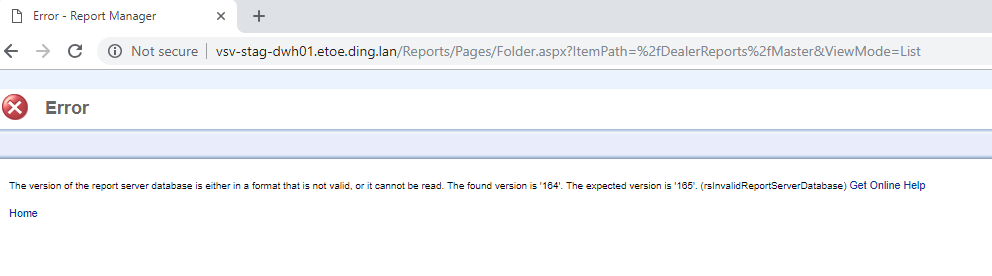
It is the second time we get that message after applying a CU or SP on SQL Server 2014.
Apparently, the update process does not insert the new version of the database into one of the two version control tables and therefore there is a conflict between versions.
I don't know exactly why that happens, but in Event Viewer I can find an entry for Reporting Services cannot access SQL Server, as SQL is restarting. I suppose that's when it tries to insert the data. It looks more like a bug.
We can run the following command to find the conflict:
/ Script for SelectTopNRows command from SSMS /
SELECT TOP 1000
  ,

  ,

  ,
FROM ..
ORDER BY 1 DESC
/ Script for SelectTopNRows command from SSMS /
SELECT TOP 1000
  ,

  ,

  ,
FROM ..
ORDER BY 1 DESC

We see that the new version 165 was not inserted into the ServerUpgradeHistory table. So we manually insert with the following:
INSERT INTO .. VALUES (165,'user_name',GETDATE() )
And if you try to access RS, it should be working now :)
Any problem, please let me know.
Rafael